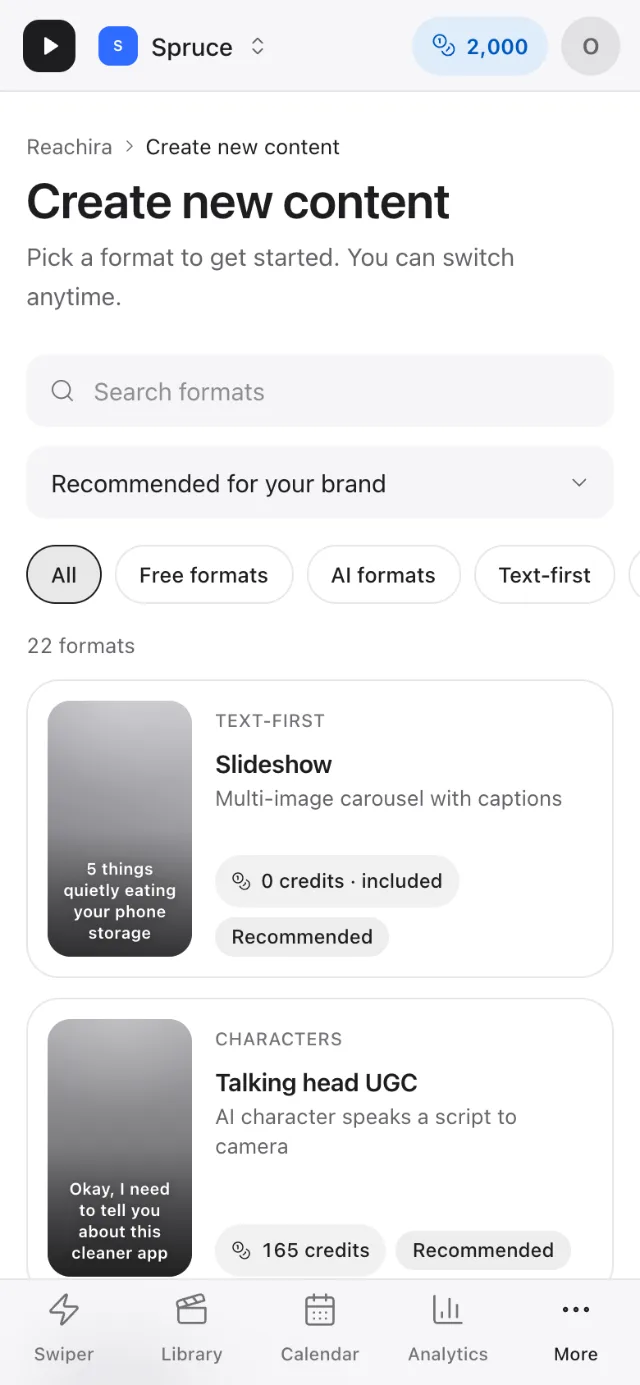
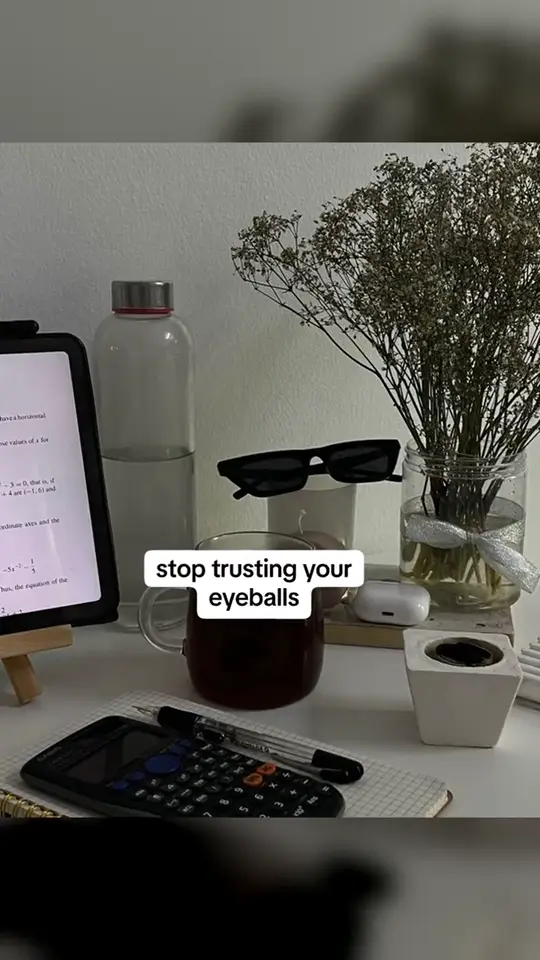
 Slideshow
A handful of slides that tell one idea: the problem, why it hurts, what helps. Where the platform takes photo carousels it is posted as one; elsewhere it is rendered as a video.
- 0 credits
- Available in campaigns
Included from the Free plan
Formats
Each format is a proven short-form shape your videos can take. Every card plays a sample clip of that format.
SlideshowA handful of slides that tell one idea: the problem, why it hurts, what helps. Where the platform takes photo carousels it is posted as one; elsewhere it is rendered as a video.
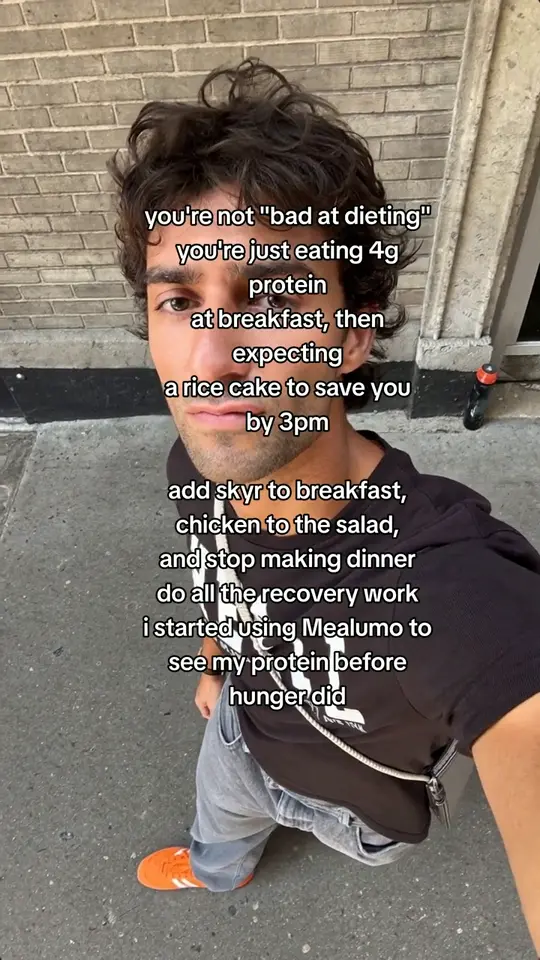 Wall of text
A single, well-written block of text over your own demo, or over a clip from the UGC library on plans with Human UGC uses (one use per video). Good for opinions, lists and lessons, where the words are the point.
 UGC hook + demo
Opens on a short, licensed UGC reaction clip from the library to stop the scroll, then cuts to your own demo footage or screens.
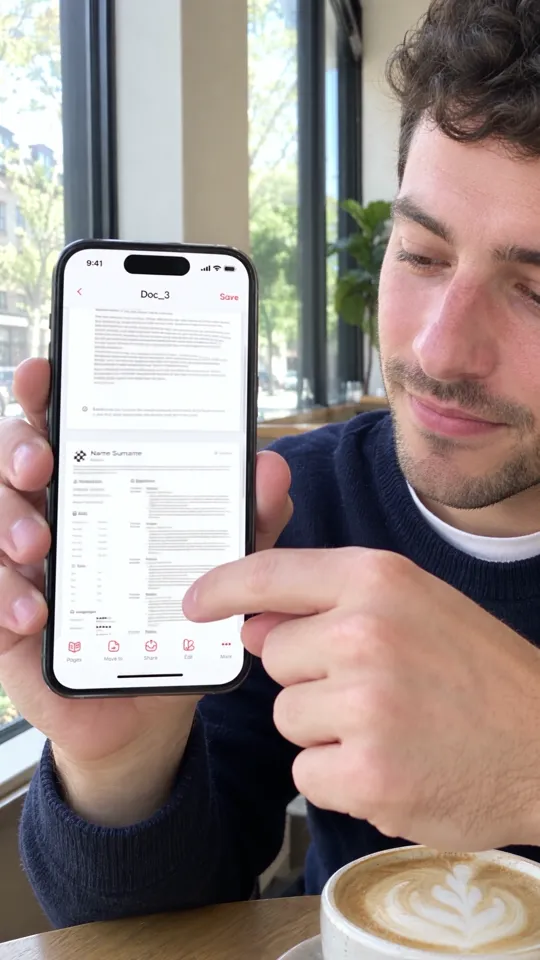 Screen demo
Built from the screen recordings or product footage you upload. The best format for showing an app actually doing the thing.
 AI character
An AI UGC character presents your script with a voice and lip-sync. It uses AI credits; the price is shown before you generate, and the AI-content label is yours to set.
Sample clips, muted. A format appears here once it has a sample.
Studio lists every format, with its credit price before you generate. Free formats stay free unless you add an AI extra, such as an AI voice.
Why slideshows work · Green-screen memes, done well · Pricing